The Facebook fundraisers scheme provides an easy way for you to raise funds for The Upper Room through your Facebook account. Donations are channelled directly to us via PayPal Giving Fund, without any fees being deducted. Donors who are tax payers in the UK are able to indicate if their donation is eligible for Gift Aid.
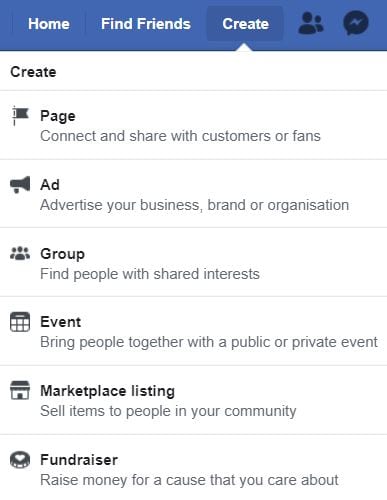
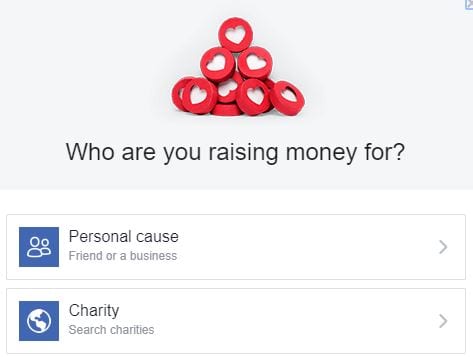
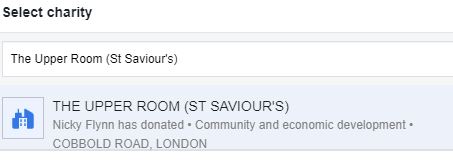
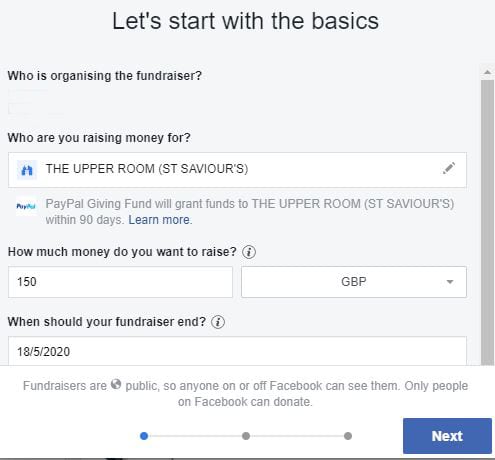
If you’d like to set up a fundraiser, simply follow the step-by-step instructions below. The whole process should only take a few minutes.